
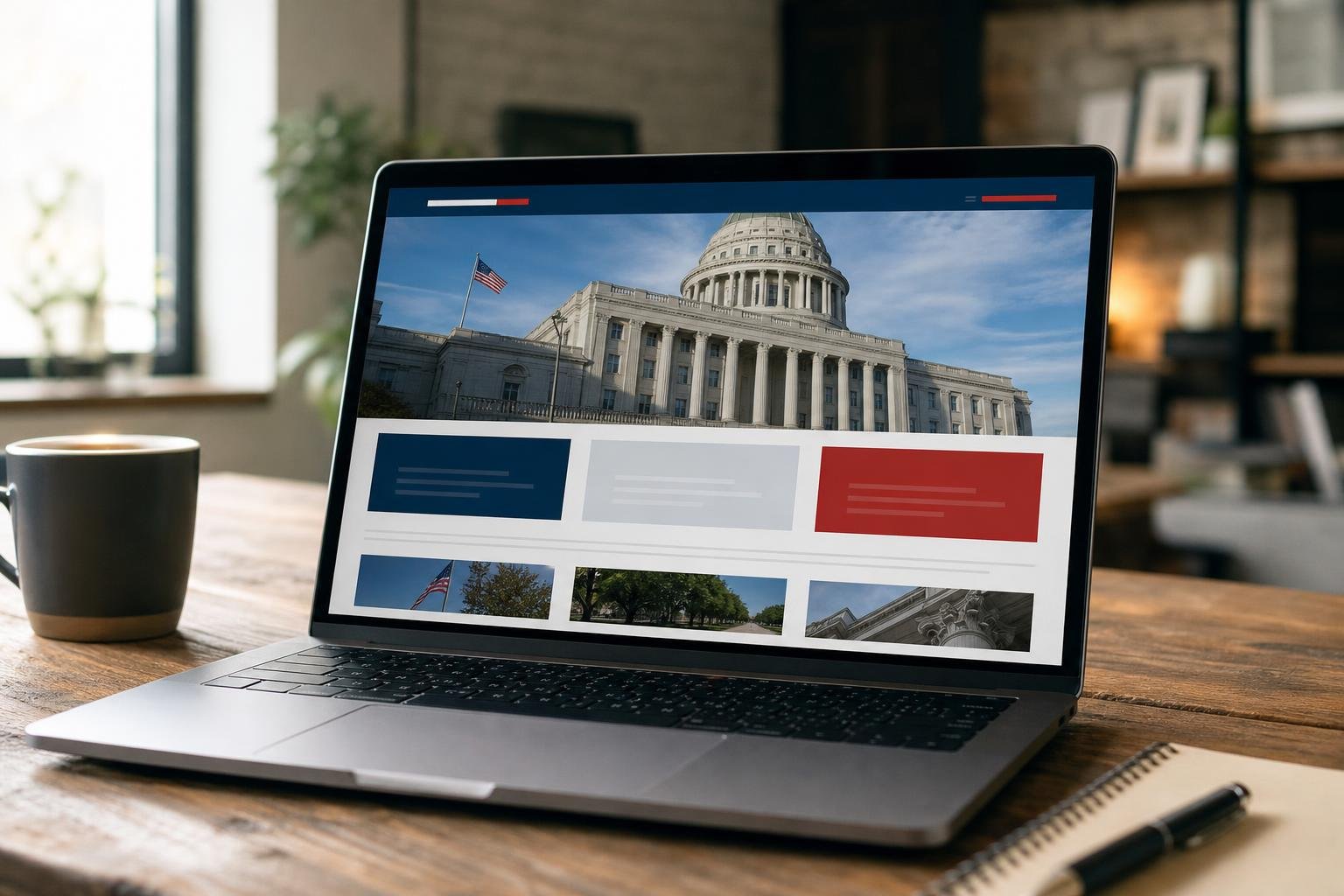
Most candidates don’t lose because their website was ugly. They lose because the site never told a voter, in about ten seconds, who they are, what they want to fix and how to help. A good political campaign website template takes care of that structure for you, so you can spend your time knocking on doors instead of fighting with a page builder.
We’ve been building campaign sites since 2007, for school board, city council, county board, sheriff and judge races. Here is what we’ve learned about picking a template that actually helps you win, and the mistakes that quietly cost candidates votes.
What a political campaign website template should give you
A template isn’t just a color scheme. A good one is a finished campaign site with your name missing. Before you pick one, make sure it gives you these pages and pieces out of the box:
- A home page that answers “who is this?” Your name, the office, a real photo and one sentence on why you’re running, all above the fold on a phone.
- An About page that tells your story in plain language: where you live, what you’ve done, why this race.
- An Issues page with three to five priorities. Not fifteen. Voters remember three.
- Donate and Volunteer buttons that are easy to find on every page.
- An email sign-up form, because the list you build in month one is the list you turn out on Election Day.
- Events and Endorsements pages you can show or hide as the race heats up.
- A footer with your “Paid for by” line and contact information.
If a template is missing any of these, you’ll end up bolting them on later, usually the week before early voting starts, when you have the least time.
Pick a template for the race you’re running
A judge’s race and a school board race shouldn’t look the same. Voters read design as a signal. A judicial candidate needs calm, serious and nonpartisan. A first-time city council candidate can be warmer and more personal. A ballot question campaign needs the question itself front and center, not a candidate photo.
That’s why CampaignVote has more than 50 political campaign website templates built for specific races, with a finished demo site for each one. A few examples:
- Gavel for judicial races, where tone matters more than slogans.
- Classroom for school board candidates who want to lead with kids and budgets.
- Badge for sheriff and other public safety offices.
- Ballot Question for referendums and levy campaigns.
- Headquarters and Crossroads for city council, mayor and county races.
Templates come in both conservative and progressive styles, and every one works for candidates of any party. Open the demo, look at it on your phone, and ask yourself: does this look like someone who should hold this office?
Mobile first is not optional
Most of your visitors will see your site on a phone: from a QR code on a yard sign, a link in a Facebook post, or a quick search after they get your mailer. If your name, photo and Donate button aren’t readable on a small screen without pinching and zooming, you’ve lost them.
When you test a template, pull it up on your own phone. Tap the menu. Try the donate button. Fill in the sign-up form. If any of it is fiddly for you, it will be worse for a 70-year-old voter standing on their porch.
Accessibility helps you reach every voter
More than one in four American adults lives with some kind of disability, according to the CDC. Those are voters. A campaign site with low-contrast text, images with no descriptions or a form that can’t be used with a keyboard shuts some of them out. A good template uses readable fonts, strong color contrast and real alt text on images, and it works with screen readers. It’s the right thing to do, and it’s also more votes.
Donations and volunteers have to work on day one
Your site has two jobs beyond telling your story: raising money and signing up help. Look for a template that lets you take donations directly on the site, or link out to the page you already use, like ActBlue or WinRed. CampaignVote templates handle both: you can take donations with Stripe or point the Donate button wherever you want.
Volunteer forms should collect a name, email, phone and what the person wants to do: knock doors, make calls, put up a yard sign. Then you need to be able to download that list any time. If you can’t get your data out easily, you don’t really own it.
Speed, security and Election Day traffic
Campaign websites get quiet for weeks and then spike hard: the night of a debate, the day a mailer lands, the morning of the election. A template is only as good as the hosting underneath it. If your site goes down the week of early voting, it’s not coming back in time to matter.
Our friends at RankedWP wrote a detailed guide to campaign website hosting that covers what to ask about uptime, backups, security certificates and handling traffic spikes. Read it before you pick a host, whatever platform you use.
Template or custom-built site?
For most local races, a template is the smart choice. You can be live in an afternoon, it costs a fraction of a custom build, and you can switch templates later without losing anything you wrote.
A custom design can make sense for bigger races, like a state legislative seat, a countywide office with a large budget, or a candidate who needs features no template offers. SnapSite has a straight-talk comparison of custom campaign websites vs. templates that lays out the costs and trade-offs for each.
Seven mistakes we see on campaign sites
- No photo above the fold. Voters want to see a face. Use a real, recent photo, not a logo.
- Too many issues. Fifteen bullet points means nobody remembers any of them.
- A buried Donate button. Put it in the header and repeat it at the end of every page.
- No email sign-up. Social media followers aren’t yours. An email list is.
- Stale content. An Events page with last spring’s fish fry tells voters nobody’s home.
- A missing “Paid for by” line. Check your state’s disclaimer rules and put it in the footer.
- Waiting too long. Your website should be live before you file your petitions, not after.
Veterans and military families running for office
A lot of strong local candidates are veterans, retirees and military spouses. If that’s you, there are a few extra rules to know about photos in uniform, military titles and, for anyone still serving or working for the government, whether you can run at all. MyScottAFB put together a guide for veterans running for local office in the Metro East that covers the basics before you build your site.
How to build your campaign site this week
Here’s the simplest path we know:
- Write your one-sentence reason for running. If you can’t say it in one sentence, voters won’t repeat it.
- Get one good photo. Natural light, a real smile, shoulders up.
- Pick your top three issues and write two or three sentences on each.
- Choose a template that fits your race and open the demo on your phone.
- Fill it in, publish and print your QR code for yard signs, push cards and flyers.
With CampaignVote you can do all of that in one sitting. Create your account, pick from the template gallery and fill in a few simple forms. AI writing help can draft your bio and priorities if you’re stuck. Plans start at $29 a month, and every plan begins with a 14-day trial. You can compare everything on the pricing page.
Keep going
A website is one piece of a campaign. If you’re just getting started, read how to run for office and win, then work out your campaign budget and fundraising plan and your campaign message. The template gets voters to your page. Your message is what earns their vote.